


phybus // modular interconnect
About phybus
The midiphy phybus modular interconnect system enables low-latency transmission of control messages, MIDI data, and CV/gate updates via a high-speed hidden backplane data bus. It also allows modules to share user interface elements, so that many small modules can interact and behave as if they were a much larger system.
Similar to a classic modular system, a phybus-connected cluster of midiphy modules can be more powerful than the sum of its parts, as a result of specialization and cooperation between all participating modules.
The midiphy phybus modular interconnect system enables low-latency transmission of control messages, MIDI data, and CV/gate updates via a high-speed hidden backplane data bus. It also allows modules to share user interface elements, so that many small modules can interact and behave as if they were a much larger system.
Similar to a classic modular system, a phybus-connected cluster of midiphy modules can be more powerful than the sum of its parts, as a result of specialization and cooperation between all participating modules.
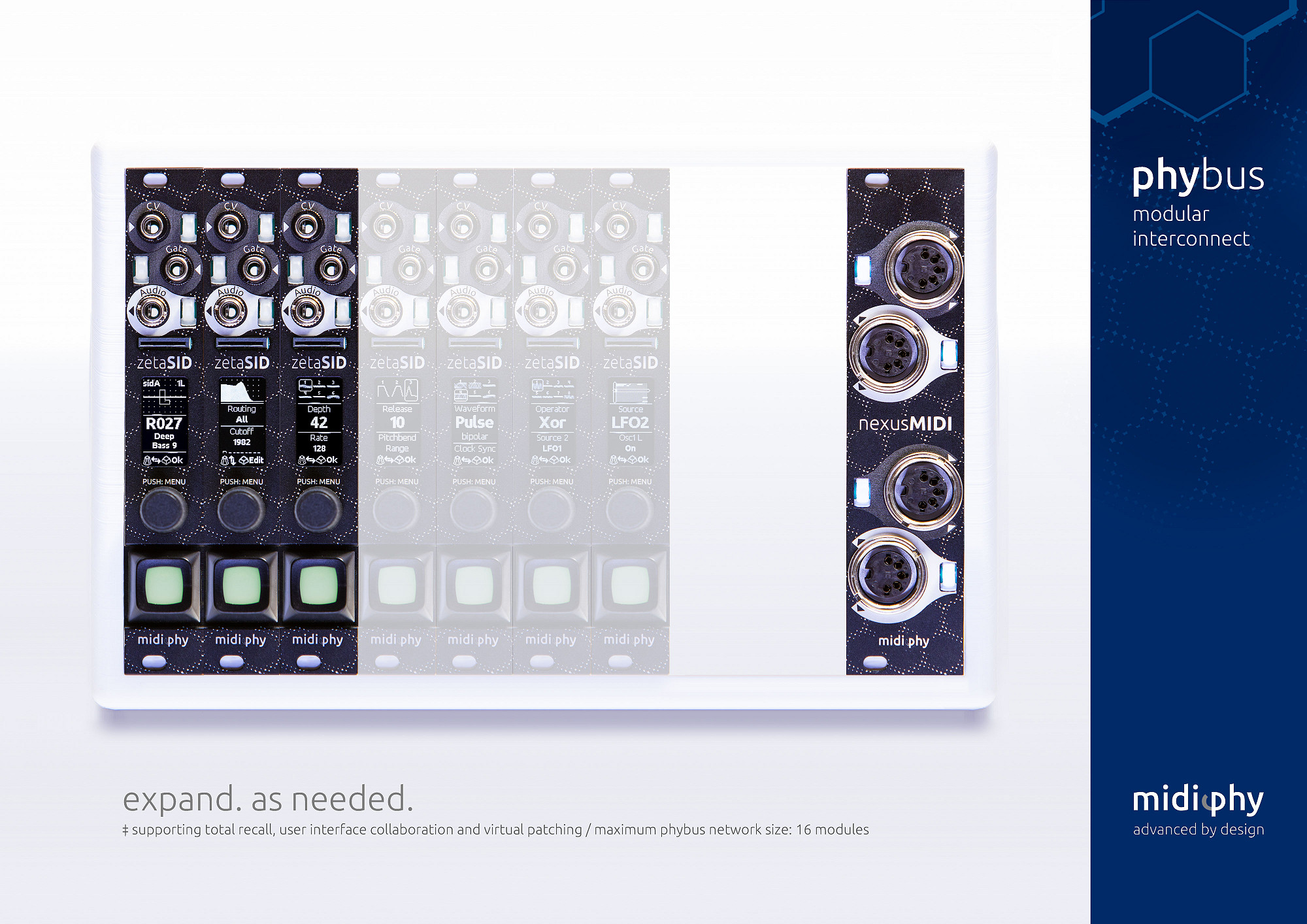
phybus features
Having compact, specialized modules interconnected via a high-speed bus is efficient. For example, nexus expander modules typically only need to be purchased once, they can be used in parallel by all connected midiphy phybus modules. This allows for minimal-space eurorack setups, as all interface ports can be shared within the cluster. As another example, the zeta modules are very slim (4 HP) and can be seamlessly expanded with additional ports whenever required. Any module added to a phybus network benefits from the ports and features offered by existing modules. For instance, a nexusMIDI module introduces four independent MIDI ports that can be used by any other phybus-capable module on the same bus. As an additional benefit, you can route a single MIDI port to multiple phybus modules without patching physical cables.
In conjunction with the session-based total-recall system, phybus offers powerful features to reconfigure your modular system on the fly. Simply switch to a different session on one module, which then broadcasts the change to its peer modules in the cluster: the whole system can reconfigure itself and its bus-based virtual patch cords to a different state within milliseconds.
Having compact, specialized modules interconnected via a high-speed bus is efficient. For example, nexus expander modules typically only need to be purchased once, they can be used in parallel by all connected midiphy phybus modules. This allows for minimal-space eurorack setups, as all interface ports can be shared within the cluster. As another example, the zeta modules are very slim (4 HP) and can be seamlessly expanded with additional ports whenever required. Any module added to a phybus network benefits from the ports and features offered by existing modules. For instance, a nexusMIDI module introduces four independent MIDI ports that can be used by any other phybus-capable module on the same bus. As an additional benefit, you can route a single MIDI port to multiple phybus modules without patching physical cables.
In conjunction with the session-based total-recall system, phybus offers powerful features to reconfigure your modular system on the fly. Simply switch to a different session on one module, which then broadcasts the change to its peer modules in the cluster: the whole system can reconfigure itself and its bus-based virtual patch cords to a different state within milliseconds.
phybus setup
If installing a single phybus module: leave the jumper on the termination header.
If installing a single phybus module: leave the jumper on the termination header.
If installing multiple connected phybus modules:
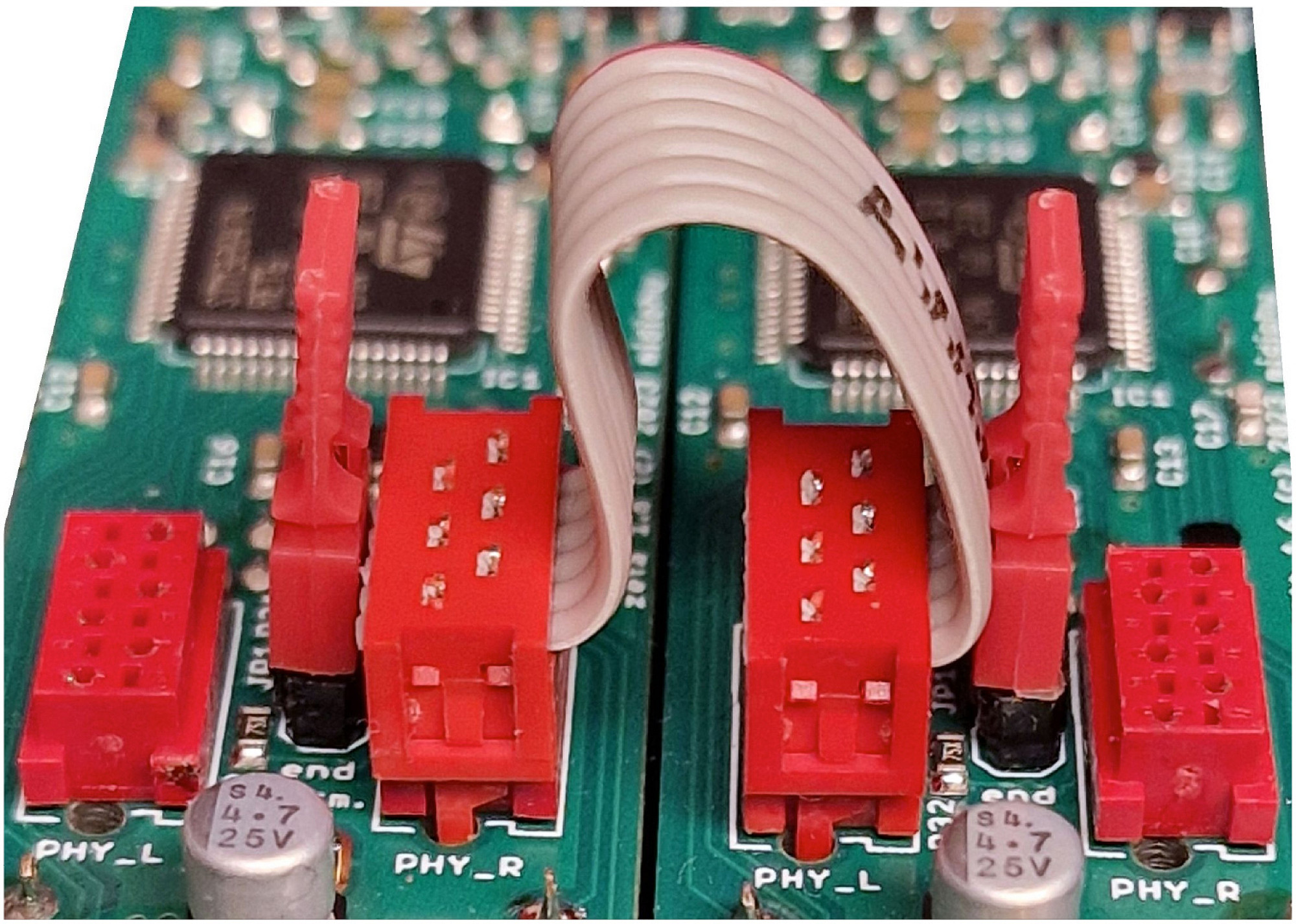
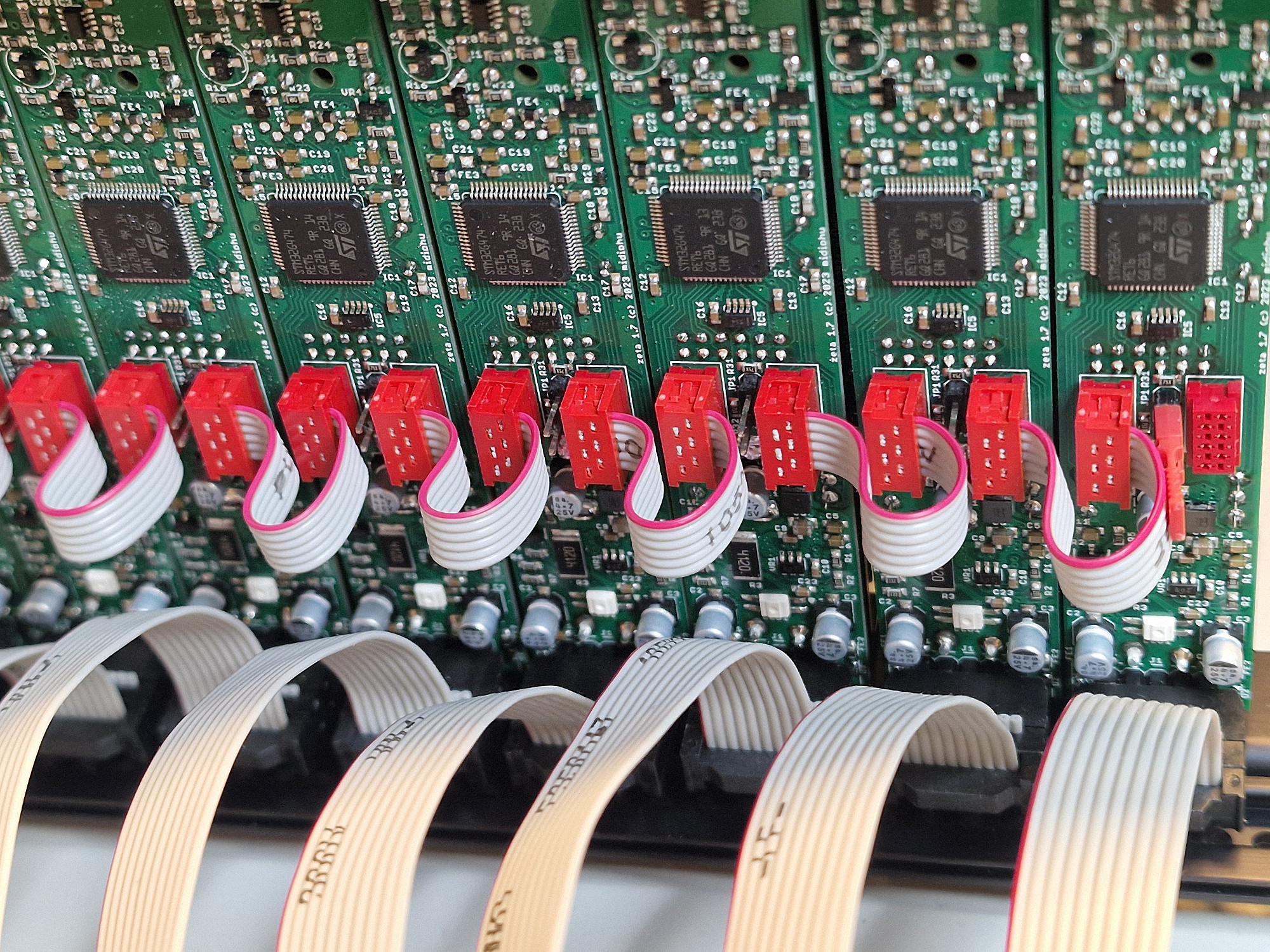
use provided phybus cables to connect all modules, connecting PHY_R to PHY_L ports
add bus termination jumpers ONLY on the leftmost and rightmost module, remove all other termination jumpers
tip: wire all phybus cables before installing the modules in your eurorack case
use provided phybus cables to connect all modules, connecting PHY_R to PHY_L ports
add bus termination jumpers ONLY on the leftmost and rightmost module, remove all other termination jumpers
tip: wire all phybus cables before installing the modules in your eurorack case
phybus flyer
phybus Flyer Download
phybus-flyer.pdf (4.93M)